
Machines
Updating Pixio API and Machines
Best practices for keeping your Pixio API installation and machines up to date
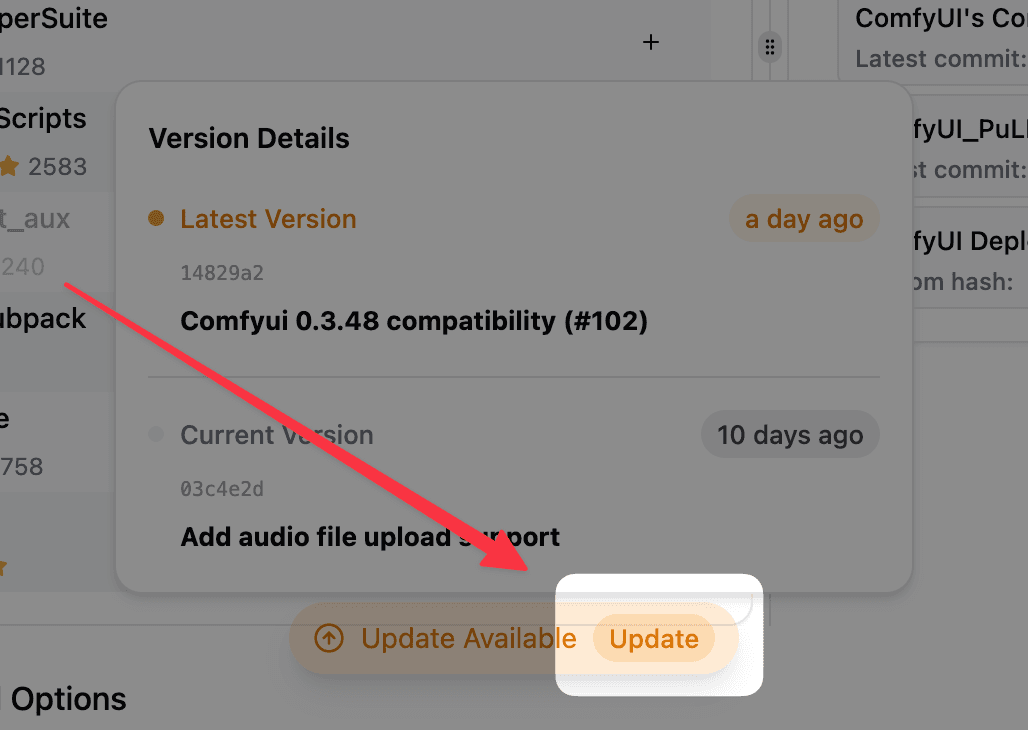
Update Pixio API Version
In your machine page, click the Update button when available to upgrade to the latest Pixio API version.
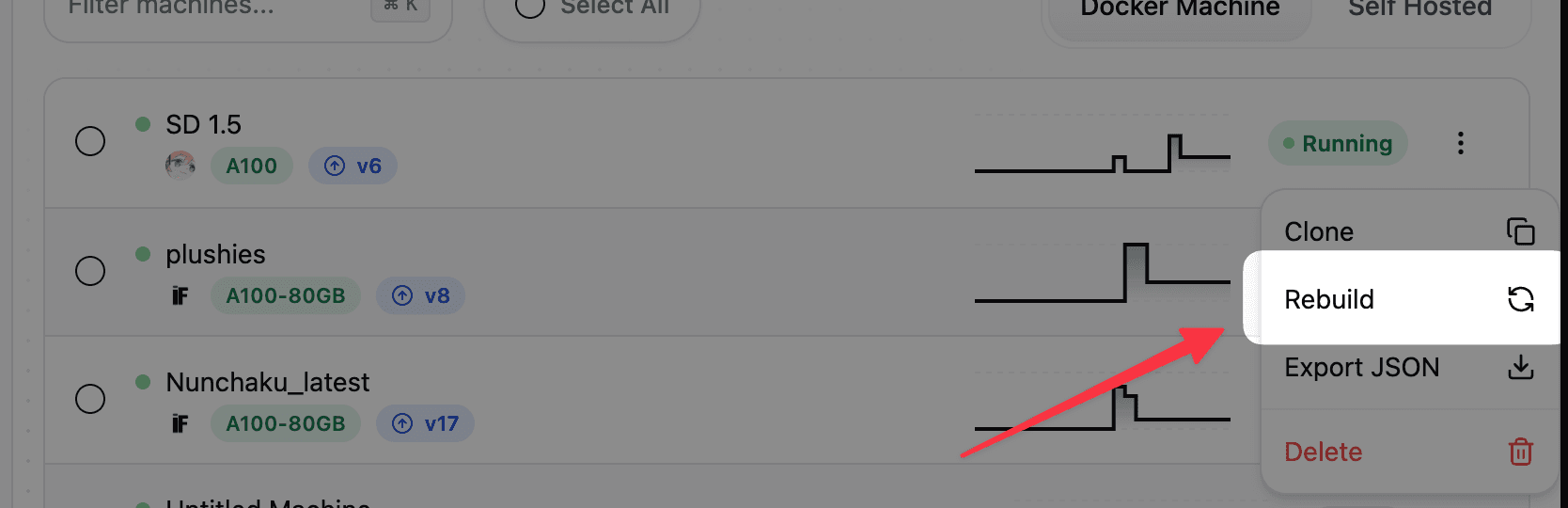
Rebuild Machine
Use the dropdown menu in your machine page and select Rebuild to update your machine to the latest system state.
When to Update
- After Pixio API updates: Always rebuild machines after updating the Pixio API custom node
- New ComfyUI versions: Rebuild when new ComfyUI versions are available
- Compatibility issues: Update when experiencing custom node conflicts
- Following changelog: Check changelog for required actions
Best Practices
- Update regularly - Check for updates weekly
- Test first - Use development machines before production updates
- Monitor breaking changes - Review changelog before updating
- Backup workflows - Save important workflows before major updates