
Create Environment
Define the environment your workflow will run in
A machine defines the environment your workflow will run in.
Why define the environment?
Note: By defining the environment in a machine, it allows us to be sure that if call us via API, or your teammate wants to use your workflow. It will behave the same way it did with you.
No more "it works on my machine" problems, you all share the same machine (config)!
How
We give you 2 ways to define your environment.
Custom NodesDocker Commands
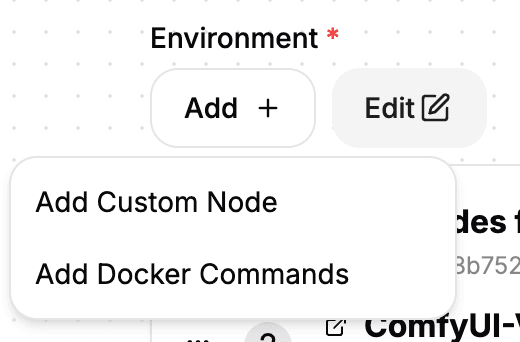
Custom Nodes
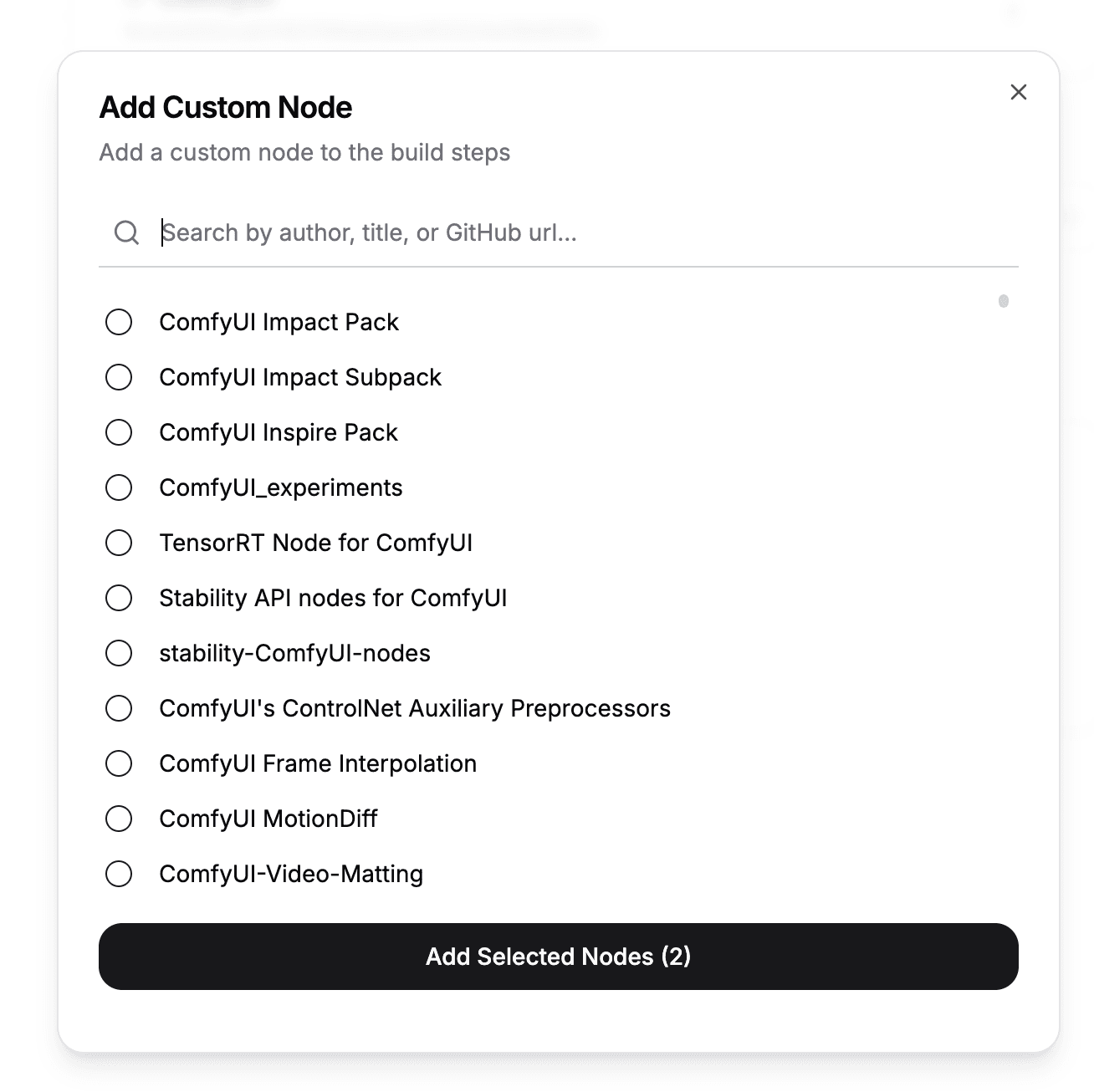
You can easily add any custom node that you would find in ComfyUI Manager via our picker.
Note: We will use the latest version of the node by default. If you want to use a specific version, you can set the hash of the custom node.
Docker Commands
Machines also support docker commands in machine settings.
Note: We follow the dockerfile command convention, read more here.
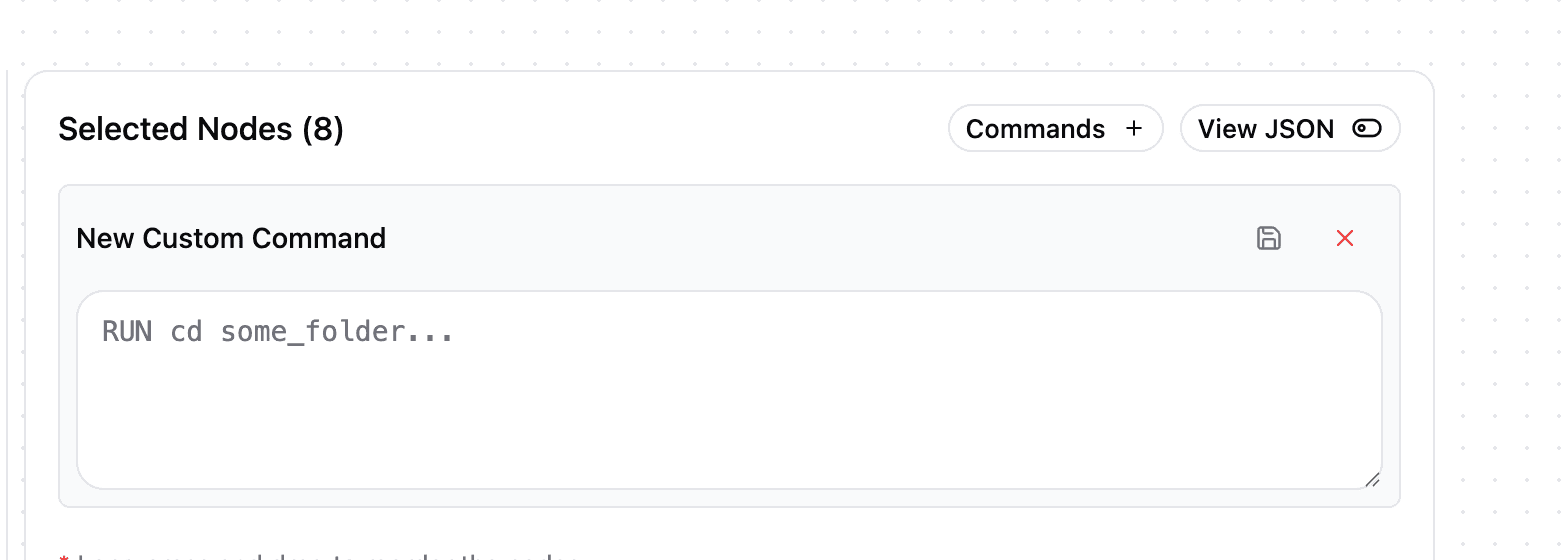
Here are some templates for common uses of docker commands.
System packages
If you need specific system packages
Change:
<package-name>with the name of the package you want to install.
RUN apt-get update && apt-get install -y <package-name>Models in custom node directories
Some custom nodes require models to be installed in the custom node directory. Update:
<CustomNode-Directory>with the name of the custom node directory.<model-url>with the url of the model.
RUN wget -P /comfyui/custom_nodes/<CustomNode-Directory> <model-url>pip packages
Update:
<package-name>with the name of the package you want to install.
RUN pip install <package-name>Custom nodes
Update:
<git-url>with the url of the git repository you want to install.<custom-node-name>with the name of the custom node you want to install.<commit-hash>with the hash of the commit you want to install.
WORKDIR /comfyui/custom_nodes
RUN git clone <git-url> --recursive
WORKDIR /comfyui/custom_nodes/<custom-node-name>
RUN git reset --hard <commit-hash>
RUN if [ -f requirements.txt ]; then python -m pip install -r requirements.txt; fi
RUN if [ -f install.py ]; then python install.py || echo "install script failed"; fi
Advanced options
Beyond nodes and docker commands, machine settings expose:
- Extra args — additional ComfyUI launch flags (e.g. memory-management flags) appended to the server command
- Prestart command — a shell command run before ComfyUI starts (last-second setup that doesn't belong in the image)
- Builder version — the machine image generation; stay on the latest (v4) unless you have a specific compatibility need
- Workflow timeout / idle timeout / keep warm — covered in Scaling; for long video jobs see the Billing FAQ
- GPU — see GPUs & Pricing for choosing; changing it triggers an automatic rebuild
Changing any build-affecting setting rebuilds the machine — a new version you can roll back.